Products & Locations — User Manual
Also searched as: species catalog, SKU, loading site, loading sites, add product, species list, grade, timber species.
Products
Use Products to maintain the timber product catalog used in tally sheets, Stock Units, and reports.
Open the Product Catalog
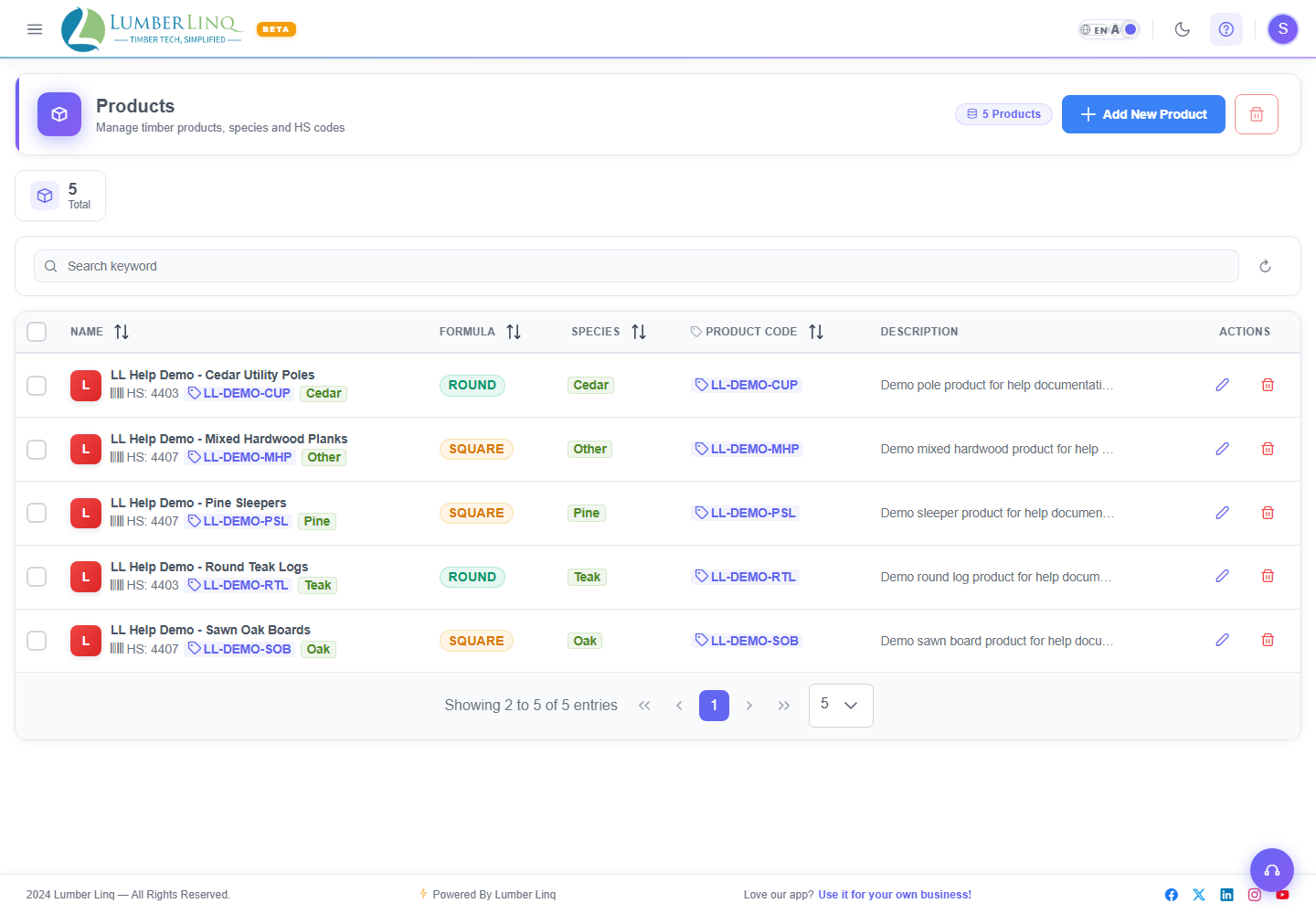
Open Products from the application menu.
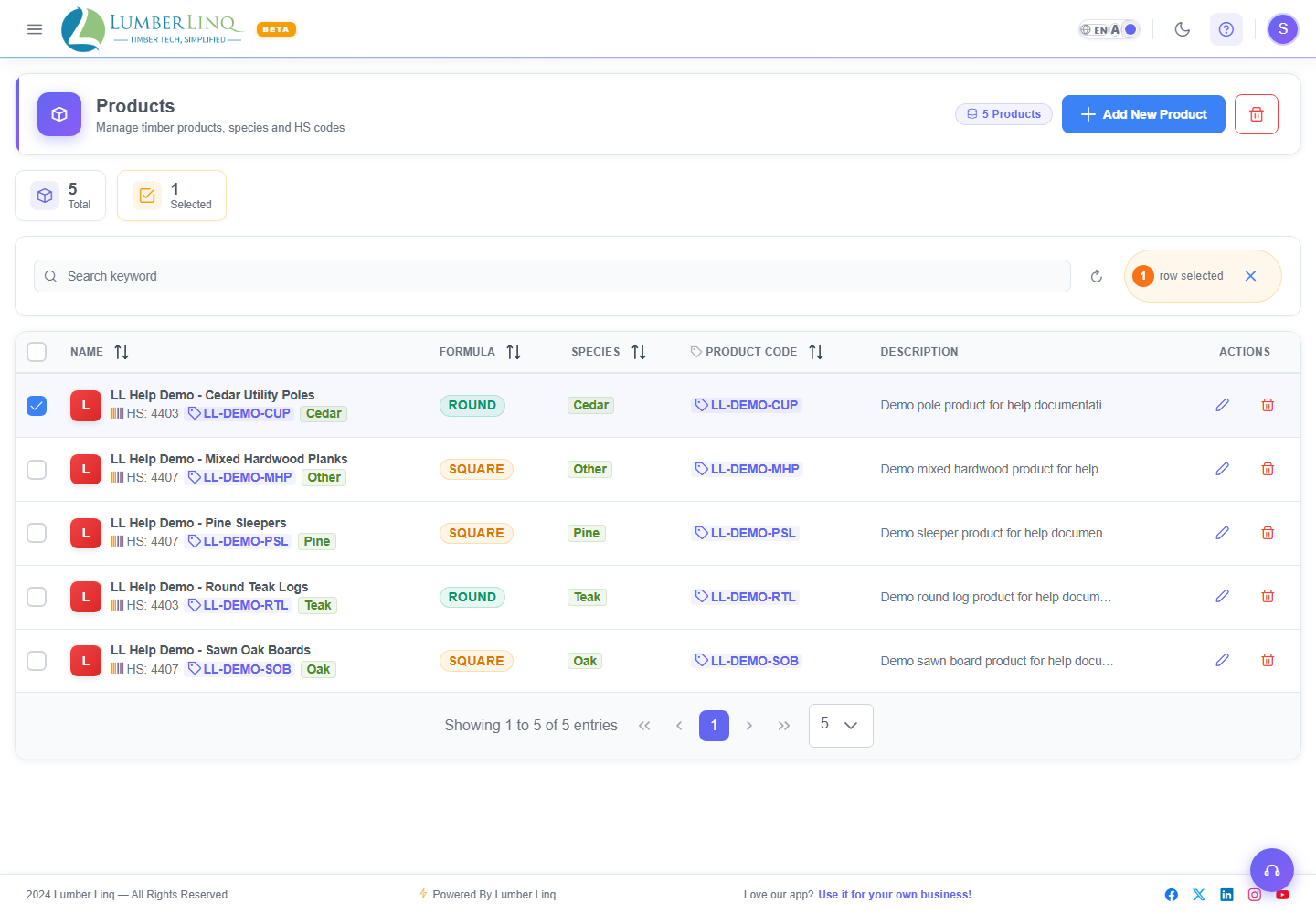
The list shows existing product records and product summary cards.
Search Products
Use the search box on the Products list to find products by name, product code, species, HS code, or description.
Create a Product
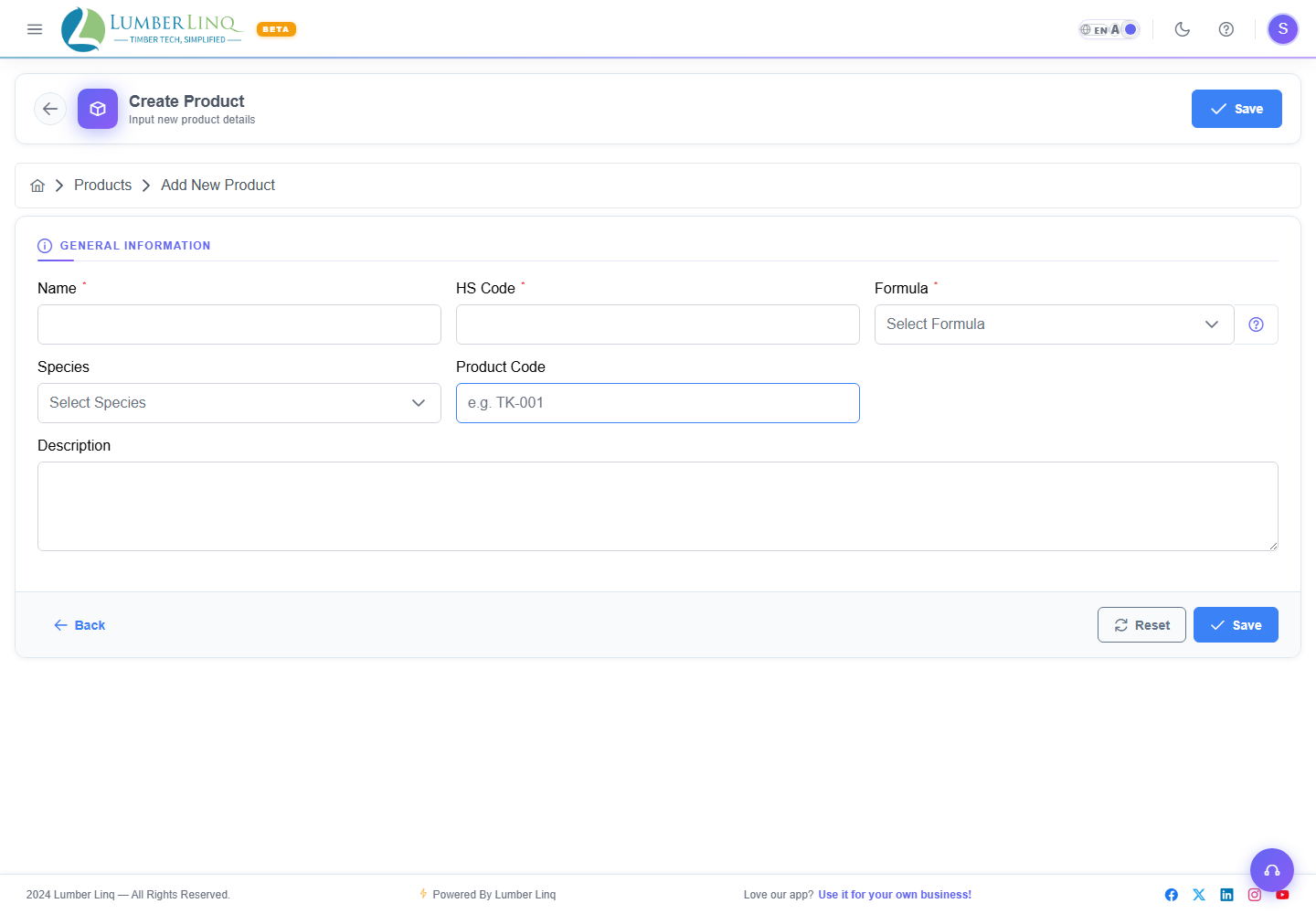
- Click the add product action from the Products list.
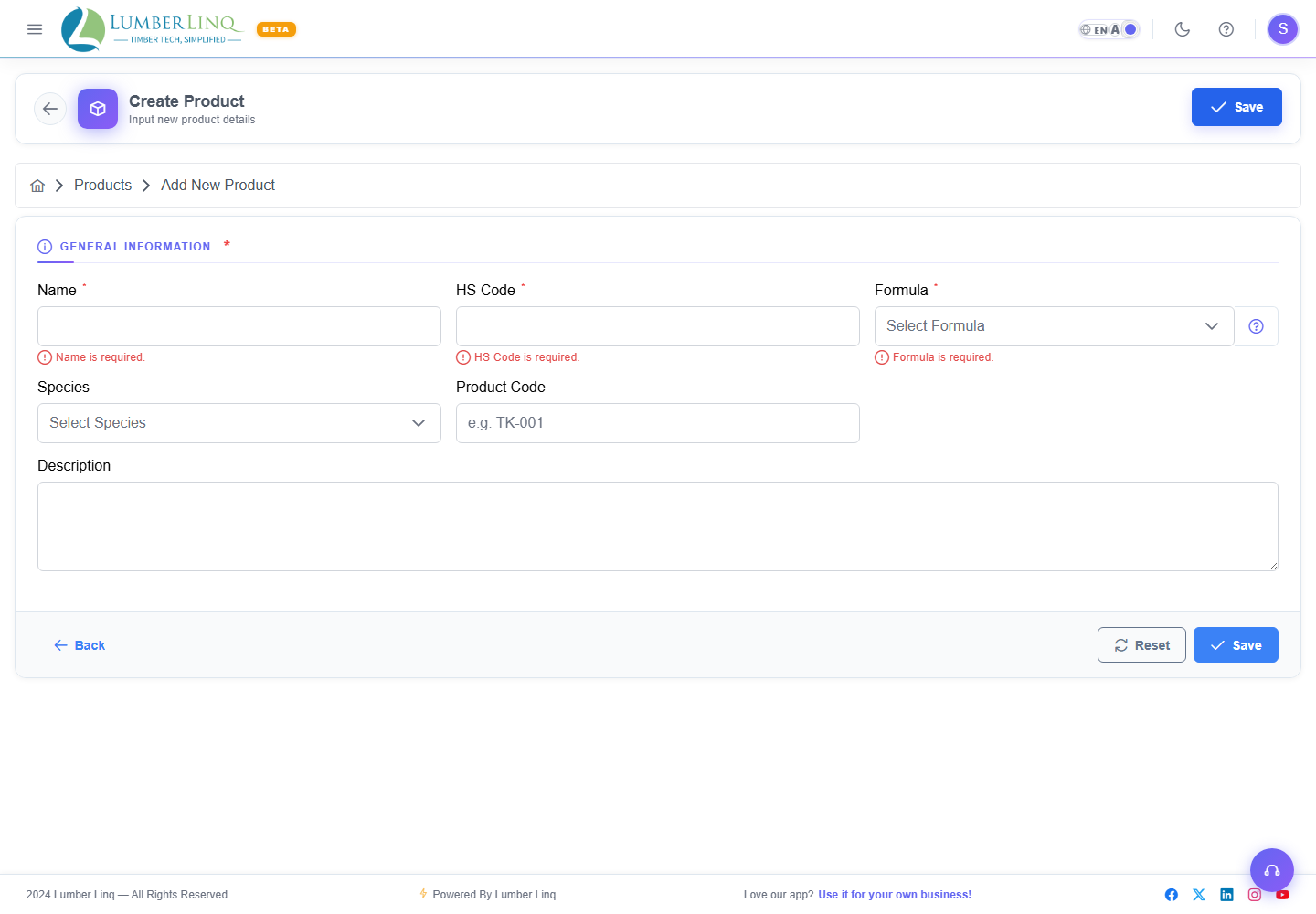
- Enter a product name.
- Select the formula:
- Round Log — uses Hoppus-style measurements for round logs.
- Square / Sawn — uses rectangular volume measurement for sawn timber.
- Enter the HS code.
- Optionally enter species, product code, and description.
- Save the product.
Edit a Product
- Open the Products list.
- Search for the product if needed.
- Open the product row.
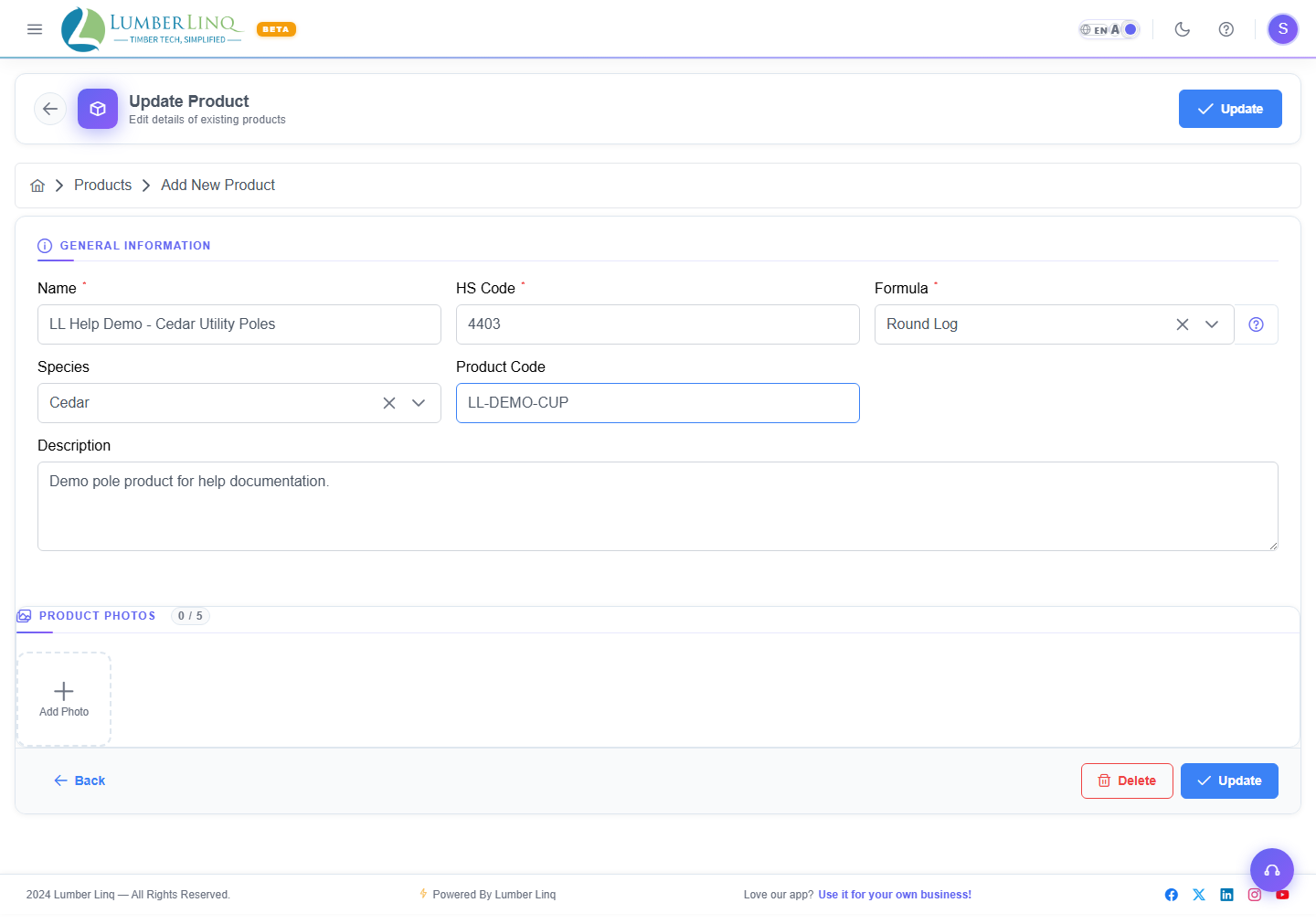
- Update the product fields.
- Save changes.
Product Validation
The product form requires a product name, formula, and HS code. The HS code must be numeric and within the configured length limits.
Delete a Product
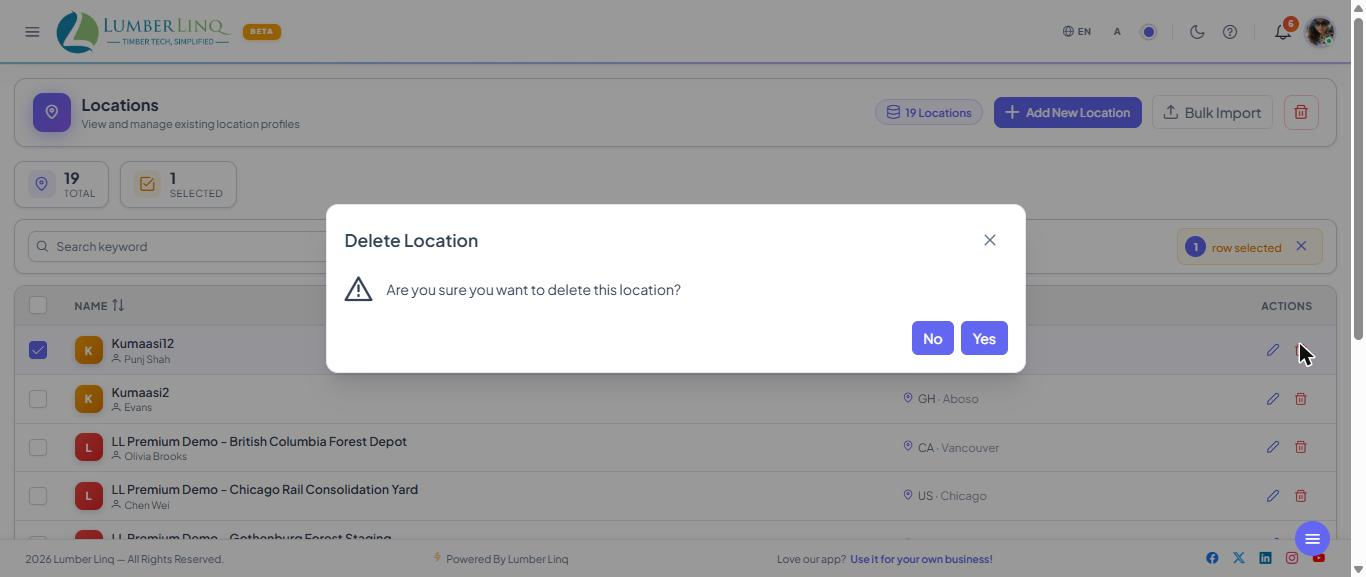
From the product list or edit page, use the delete action. LumberLinq displays a confirmation dialog before deletion. If the product is already used in operational records, deletion can be blocked to protect linked data.
Locations
Use Locations to manage yards, mills, forests, ports, warehouses, and other places where timber is stored or loaded.
Open Locations
Open Locations from the application menu.
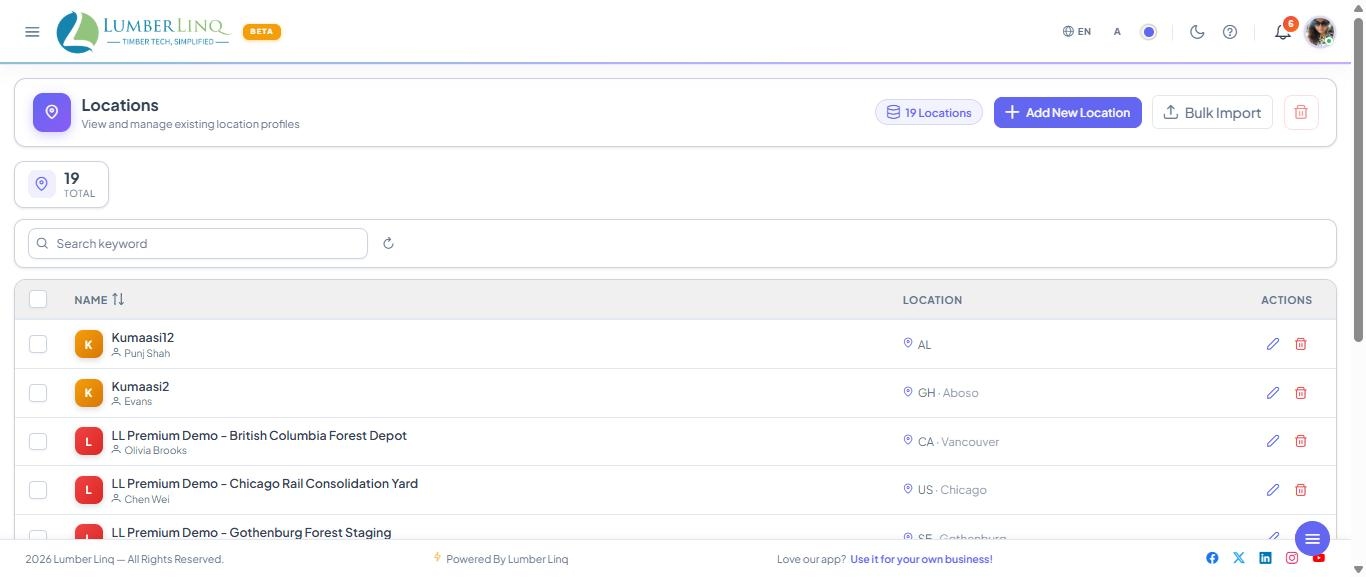
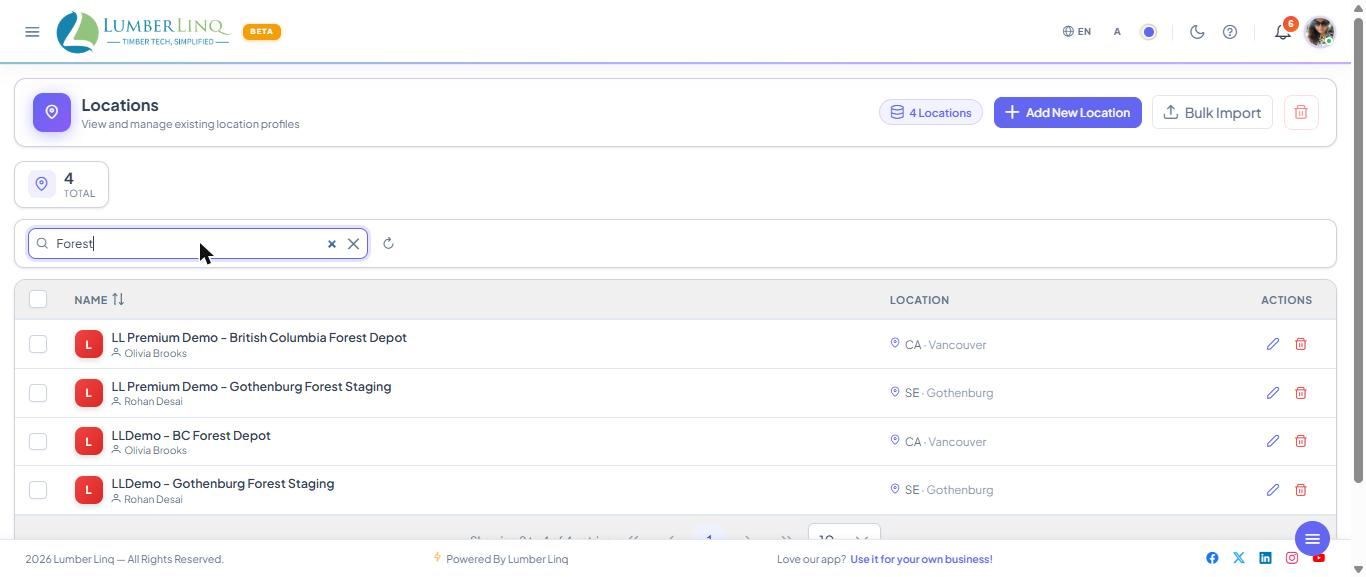
The list shows location records and summary cards.
Search Locations
Use the search box to filter by location name, contact person, country, state, city, capacity, machines installed, or notes.
Create a Location
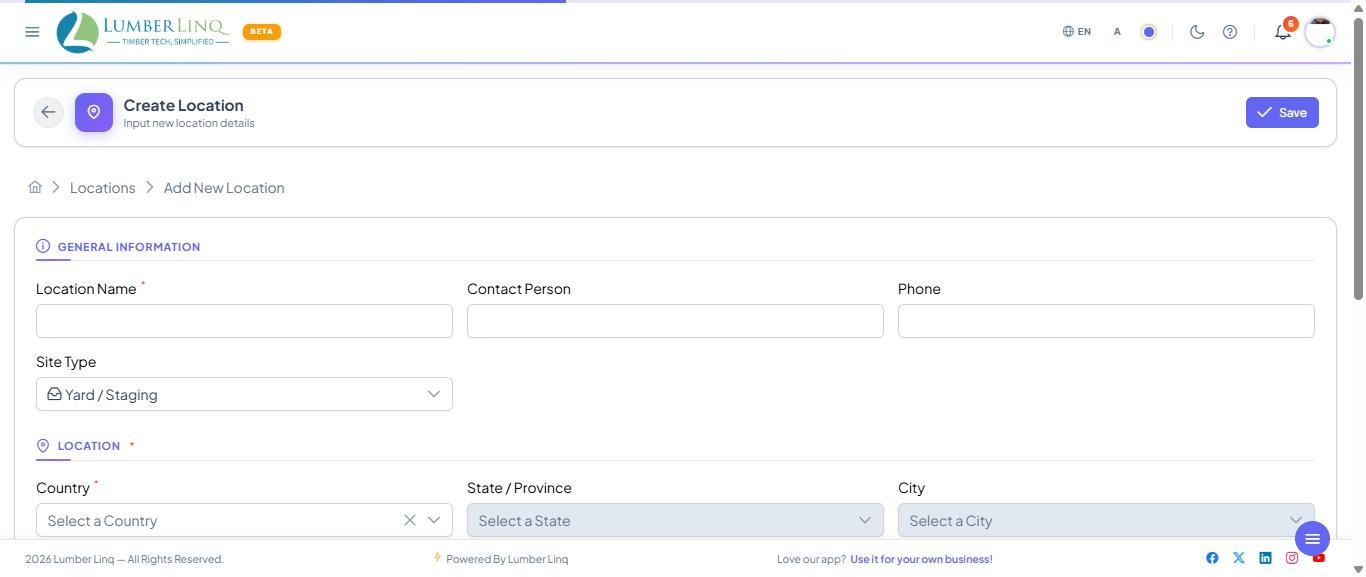
- Click the add location action.
- Enter the location name.
- Select country, then state and city when available.
- Add address, postal code, contact person, phone, operating hours, capacity, current volume, machines installed, site type, and notes as needed.
- Save the location.
Edit a Location
- Open the Locations list.
- Search for the location if needed.
- Open the location row.
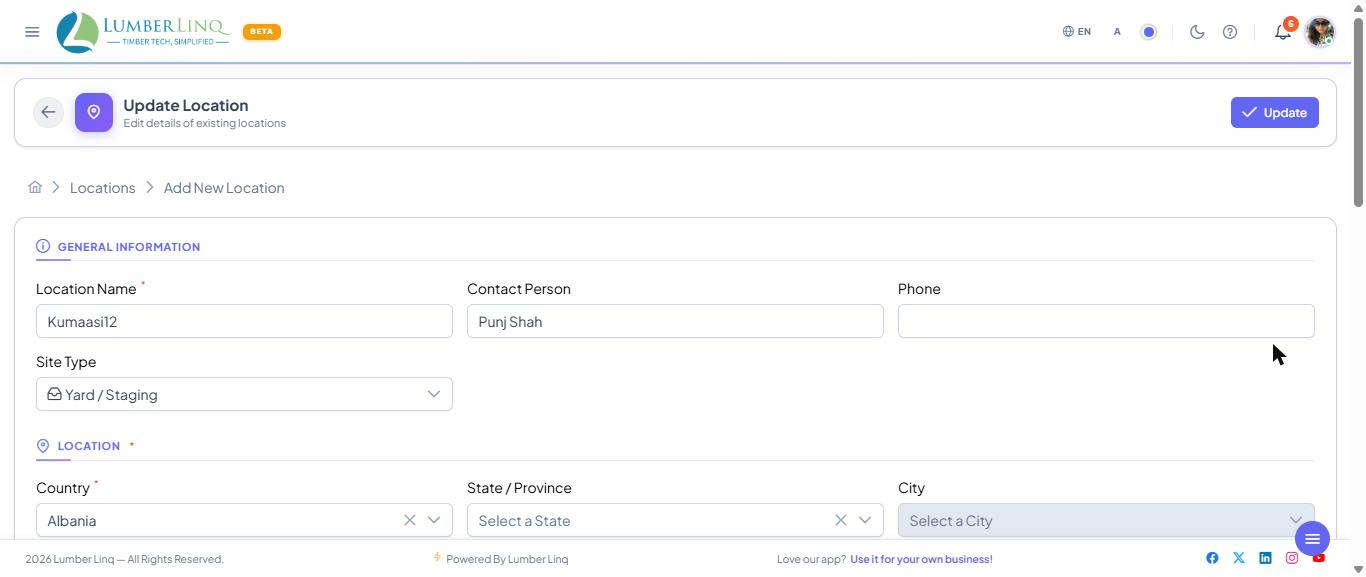
- Update the address, contact, capacity, operating, or notes fields.
- Save changes.
Location Validation
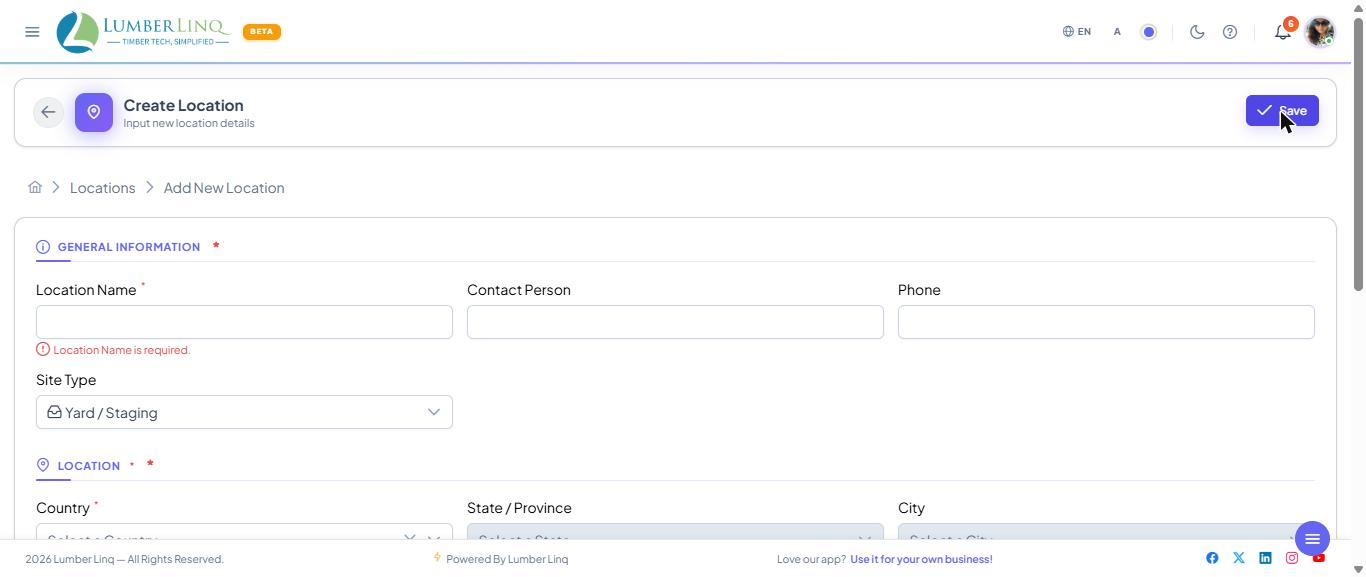
The location form requires a name and country. Name length and uniqueness are validated before save.
Delete a Location
Use the delete action from the list or edit page. LumberLinq displays a confirmation dialog before deletion. If the location is linked to Stock Units, tally sheets, or other operational records, deletion may be blocked.